WooCommerce to Shopify Migration
Leaving WooCommerce means leaving self-hosting, plugin conflicts and the update anxiety that comes with both. We move the catalogue, customers and order history across, map every legacy URL to its Shopify equivalent, and tell you upfront which plugins have no clean replacement.
Book a Free Technical Call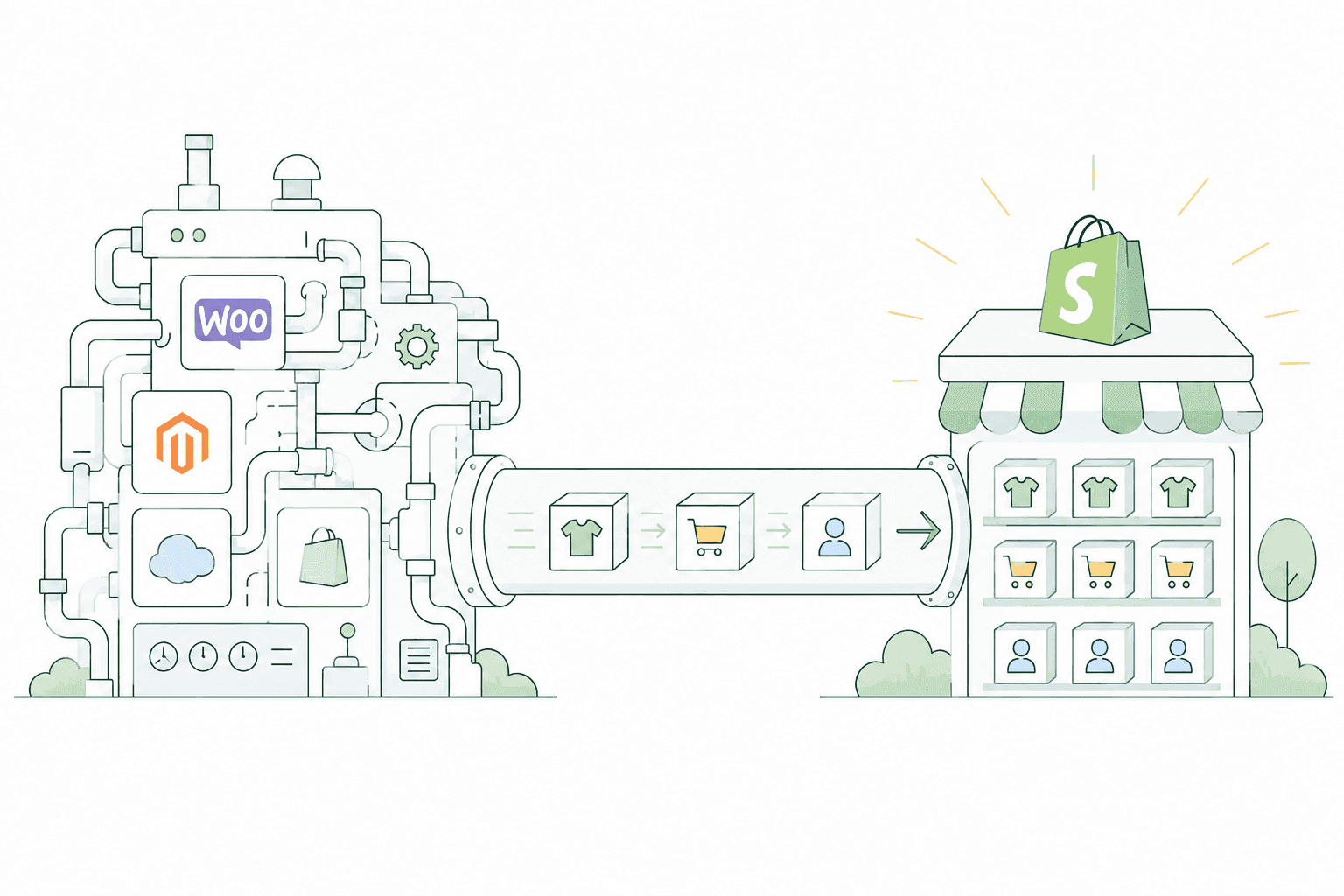
Why it matters
WooCommerce is free until you count the hosting, the developer and the plugins.
Most WooCommerce stores we replatform are not broken. They are simply expensive to keep upright: managed hosting, a security plugin, a caching plugin, a variation-swatch plugin, a subscriptions plugin, and a developer on retainer to keep them from arguing with each other after every WordPress core update. Shopify removes that maintenance surface entirely, and that is the real reason to move — not speed claims, and not SEO. Migrating does not improve your rankings. Done properly, with a complete redirect map and metadata carried across, it preserves them; done carelessly, it destroys them, and that is the part worth paying attention to.
Sound familiar?
The WordPress admin has become a maintenance job, not a shopfront.
Some of these are genuine reasons to replatform. One of them is a misconception we hear on almost every call, and we would rather correct it before you spend money on it.
- You have more than twenty active plugins and no confidence about which ones are load-bearing.
- Every WordPress or WooCommerce core update means a staging test, because something has broken before.
- Your checkout has been customised by three different developers and nobody fully understands it now.
- You believe moving to Shopify will lift your rankings on its own, without other work.
- Hosting, security, backups and a developer retainer are costing more than the store is worth.
- Your team avoids editing products because the variation setup is fragile and easy to break.
What's included
What a WooCommerce migration covers
Everything from the WordPress database export to the redirect map that protects the traffic you already have.
Database export and product mapping
We export directly from the WordPress and WooCommerce tables rather than trusting a plugin CSV, so nothing is silently truncated. Products, categories, tags, attributes, images, SKUs and stock levels are mapped to Shopify's model, reconciled against your live store and signed off before anything is imported.
Variable products to variants
WooCommerce variable products allow far more attribute combinations than Shopify's standard product model, which caps at 100 variants and three options. Where your catalogue exceeds that, we resolve it deliberately — splitting products, moving detail into metafields, or using a variant app — and we show you the affected SKUs before deciding.
Full 301 redirect map
WooCommerce uses /product/ and /shop/ (or /product-category/) URL patterns; Shopify uses /products/ and /collections/. Every indexed URL gets a one-to-one 301 to its closest equivalent — products, categories, tags, pages, feeds and paginated archives — built from a crawl and your Search Console data, not guessed from a pattern.
Yoast metadata carried across
Titles, meta descriptions, canonicals and Open Graph values stored by Yoast or Rank Math live in WordPress post meta, not in your page content, so they vanish unless they are exported explicitly. We port them to Shopify's SEO fields and theme metadata so the pages Google already ranks look the same after the move.
Customers and order history
Customer records, addresses, tax and marketing consent flags, plus historical orders imported for reporting and service continuity. Consent state is carried across accurately, because guessing it is both a compliance problem and a fast way to lose an email list.
Plugin to app replacement plan
Every active plugin is audited and given one of four outcomes: native Shopify feature, equivalent app, custom build, or drop it. WooCommerce Subscriptions and Bookings in particular need a Shopify app equivalent with a data path for existing agreements — we scope that before launch, not after.
How it runs
How a WooCommerce migration actually runs.
Three to six weeks for most stores. Large catalogues, subscriptions or heavy plugin dependencies push it to eight to twelve. The audit tells us which one you are before any build work starts.
- 01
Audit and URL crawl
We crawl the live site, pull Search Console and analytics data, and inventory every plugin. The output is a redirect map, a data-loss list and a plain statement of what will not transfer cleanly.
- 02
Export and transform
Products, customers and orders come out of the WordPress database and are transformed into Shopify's structure. Variant overflow, attribute mismatches and duplicate SKUs are resolved here, with your sign-off on each decision.
- 03
Build and import
Theme built on Online Store 2.0, replacement apps configured, then a full import into a development store. You test real products, real customers and a real checkout before anyone touches DNS.
- 04
Cutover and monitor
Redirects go live with the domain, the customer password reset is sent, and we watch crawl stats, 404 logs and rankings daily for thirty days. Redirect gaps get fixed the day they appear.
301
Redirect coverage
Every indexed URL mapped
100
Variant ceiling
Handled before import
30 days
Post-launch monitoring
Crawl, 404s and rankings
0
Plugin maintenance
After cutover
Straight answer
Not every WooCommerce store should move to Shopify.
A good fit if…
- Plugin maintenance, hosting and developer retainers now cost more than the platform is saving you.
- Your catalogue fits Shopify's product model, or the exceptions are few enough to handle deliberately.
- You want your team editing the store without a developer on standby for every change.
- You are selling directly to customers and value a checkout you never have to maintain.
Probably not, if…
- Your store depends on deeply custom WordPress logic that only exists as bespoke PHP.
- You need highly complex product configuration that Shopify's variant model genuinely cannot express.
- Content, membership or LMS functionality is the actual product and commerce is secondary.
- You cannot accept customers being asked to reset their passwords at launch.
Keep exploring
Migrating from somewhere else?
WooCommerce to Shopify is one part of the platforms we migrate stores from. Here's the rest of the picture.
Shopify Migration
The complete service — audit, data, redirects and cutover, from any platform.
View the serviceClosely relatedMagento to Shopify
The other open-source escape route — licence, hosting and specialist dev cost gone.
Read the guideClosely relatedPrestaShop to Shopify
Ageing open-source stack to managed hosting, with modules mapped to apps.
Read the guideAll guides in this series
- BigCommerce to ShopifySaaS to SaaS — the cleanest migration there is, and the one most often rushed.
- Wix to ShopifyOutgrown the site builder — move to a platform built for selling, not pages.
- Squarespace to ShopifyBeautiful site, limited commerce. Keep the design language, gain the engine.
- Salesforce Commerce Cloud to ShopifyEnterprise replatform — lower total cost without giving up B2B or multi-region.
- Custom Build to ShopifyBespoke or headless store to Shopify — usually the messiest data, always doable.
Beyond this service
Other things we do
Most stores need two or three of these working together. Book a call and we'll tell you which ones actually move your numbers.
- Shopify Theme DevelopmentCustom themes built from Figma to production Liquid on Online Store 2.0 — fast and merchant-editable.
- Shopify App DevelopmentCustom and public apps, Checkout UI Extensions and Shopify Functions built with React and Polaris.
- Shopify MigrationMove from WooCommerce, Magento or BigCommerce with a full 301 redirect map and zero downtime.
- Shopify SEOTechnical audits, Core Web Vitals, structured data and collection content built around buyer intent.
- Shopify Performance OptimizationFaster load times and green Core Web Vitals — theme refactors, image pipelines and app cleanup.
- Shopify A/B TestingHypothesis-led experiments on product pages and checkout, shipped as native theme code.
- Shopify Email Marketing & KlaviyoFlows, segmentation and campaigns — welcome, abandoned cart, winback and SMS, built and monitored.
- Shopify CRO & FunnelsValue-ladder, tripwire, quiz and post-purchase upsell funnels built to lift conversion and AOV.
- Shopify Maintenance & SupportRetainers covering uptime monitoring, security patching, bug fixes and proactive improvements.
Frequently asked questions
- Yes, and anyone telling you otherwise is wrong. WordPress stores passwords as salted hashes in its own format, and Shopify cannot import or re-hash them — no platform can, because the original passwords do not exist anywhere in readable form. Customer records, addresses and order history all transfer fine; only the password does not. We handle it with a planned account-activation email at cutover, written so it reads as expected rather than suspicious, and we time it so support is available when the replies come in.
Thinking about leaving WooCommerce?
Book a 30-minute technical call. We'll walk your plugin stack and catalogue, and tell you honestly what will and won't transfer cleanly.
Book a free call